

Free Fire MAX for PC
Better graphics. Premium gameplay.Updated December 23, 2025
Free Fire MAX PC Details
| Category | Action |
| Author | Garena International I |
| Version | 2.121.1 |
| Size | 379.4 MB |
| What's New | [Jujutsu Kaisen Collaboration] Explore FF-style Jujutsu High, meet Yuji Itadori and other friends, and unleash iconic Jujutsu like the Malevolent Shrine, and Unlimited Void. Fight like a true sorcerer![New Character - Morse] Like an untraceable byte, Morse turns invisible to slip into enemy lines. [BR Revivals] More revive chances in BR for solo and team. Spectating a teammate gives them a discount on revive cards.[Camera System] New filters and free camera controls for creative shots. |
Free Fire MAX for PC Screenshots
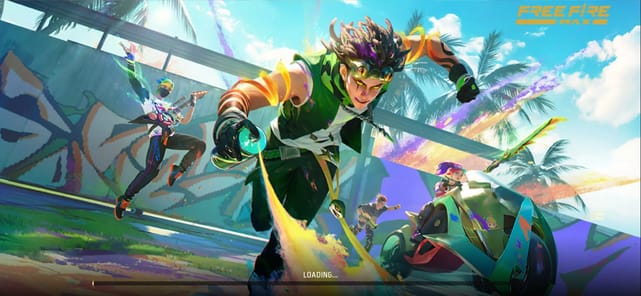
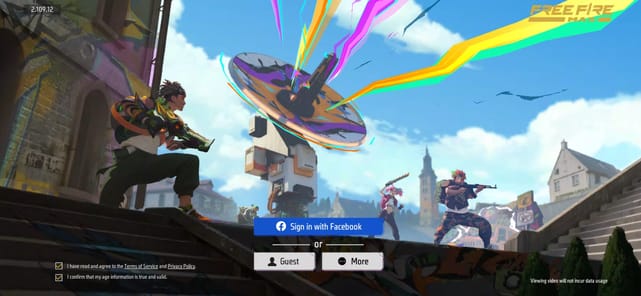
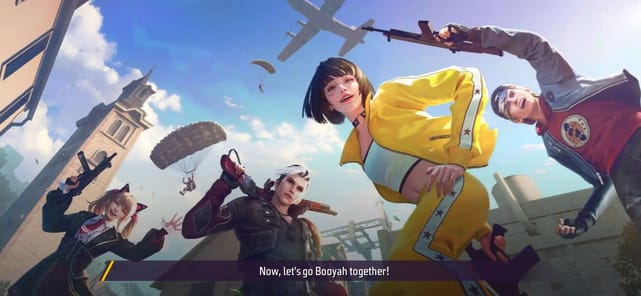
Welcome to the World of Free Fire MAX
Are you looking for an exciting game to play on your phone? Free Fire MAX is a battle royale game that is full of fun and action. It is designed to run smoothly on many different phones. The game is known for its fast-paced action and quick matches. You can jump into a game and have a complete adventure in just about 10 minutes!
Free Fire MAX is a great choice if you want a game that is easy to learn but offers a deep challenge. With simple controls that you can customize, you can find a play style that is perfect for you. It's a game that brings a lot of happiness and is a great way to have fun, whether for a short break or for hours.
What Makes the Gameplay Special?
Fast and Thrilling Matches
One of the best things about Free Fire MAX is how quick the games are. Each match lasts around 10 minutes. This means you are always in the middle of the action. It is perfect for when you have a little bit of time and want to play a full game. The goal is to be the last one standing in a big survival challenge.
Easy to Use Controls
The controls in Free Fire MAX are very smooth. They are also fully customizable. This means you can set up the buttons exactly how you like them. This makes it easier to aim, run, and master the game. A good control setup helps you play your best in every match.
Explore a World of Variety
Characters, Modes, and Maps
Free Fire MAX has many different characters to choose from. Each one comes with unique abilities that can help you in a match. This adds a layer of strategy to the game. You can also play in different modes. Clash Squad is great for quick team fights, while the main Battle Royale mode offers the full survival experience. The game also features different maps to explore.
Endless Customization
There are so many ways to make your experience unique. You can find different types of guns, cool gun skins, and stylish clothes for your character. The game keeps things fresh with exciting events and collaborations. New updates often bring fun things like free spins in the Luck Royale, giving you more chances to get cool items.
Frequently Asked Questions
What kind of game is Free Fire MAX?
Free Fire MAX is a fast-paced multiplayer battle royale game. You fight against other players to be the last one standing.
How long does a match last?
A typical match in Free Fire MAX is very quick, lasting about 10 minutes from start to finish.
Can I play Free Fire MAX with my friends?
Yes, it is a multiplayer game that is great for playing with friends. You can team up and enter battles together.
Does this game require a lot of phone storage?
No, Free Fire MAX is designed to take up less storage space. Its graphics are optimized to run well without needing a high-end phone.
How to Install Free Fire MAX on PC
Below instructions allows you to download and install Free Fire MAX app on Windows or MAC computer using an Android emulator. The process involves:
Download APK:Downloading the Free Fire MAX APK file by choosing a version.
Install Android Emulator:There are a number of Android emulators the internet. Choose a emulator that works better with your PC. Now, download and install the Android emulator software.
Run the Emulator:Open the emulator you have just installed and configure the settings such as display, keywords, mouse etc.
Install Gene:Open the downloaded Free Fire MAX APK file using the emulator, which will install Free Fire MAX on Windows or MAC.